Today, with the digital age writers have many tools at their fingertips to help finish that first draft. Whether you’re drafting a novel, a blog post, or even just writing for fun – the right tools can make the world of a difference. In this post, I wanted to go over free tools, and paid tools!
- Free Tools
- Paid Tools
Read on to become a pro at utilizing the best tools for writers!
Free Tools
While there is importance in paid tools for quality, that doesn’t mean there aren’t good free options out there! So here are a few free tools you can find online to help in the drafting process…
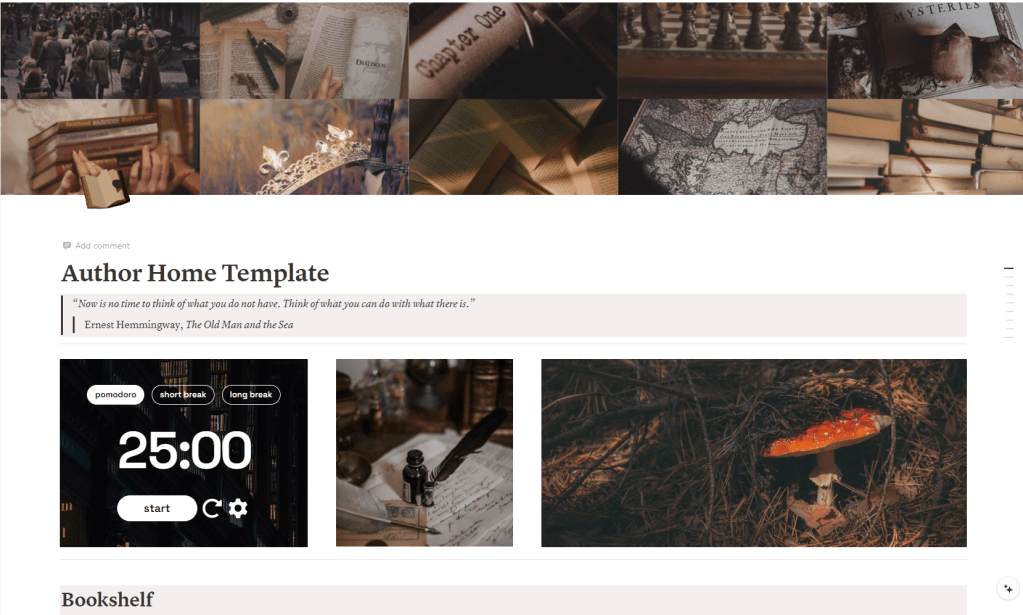
Notion
Notion is a lifesaver for organizing ideas. I use Notion for everything, and not just writing! Notion is a workspace that can be used to organize work, school, etc. You can find a ton of templates online and just copy them to your Notion page, or create a book drafting page from scratch.
I have a template of my own author story planner available for free. Check it out here!
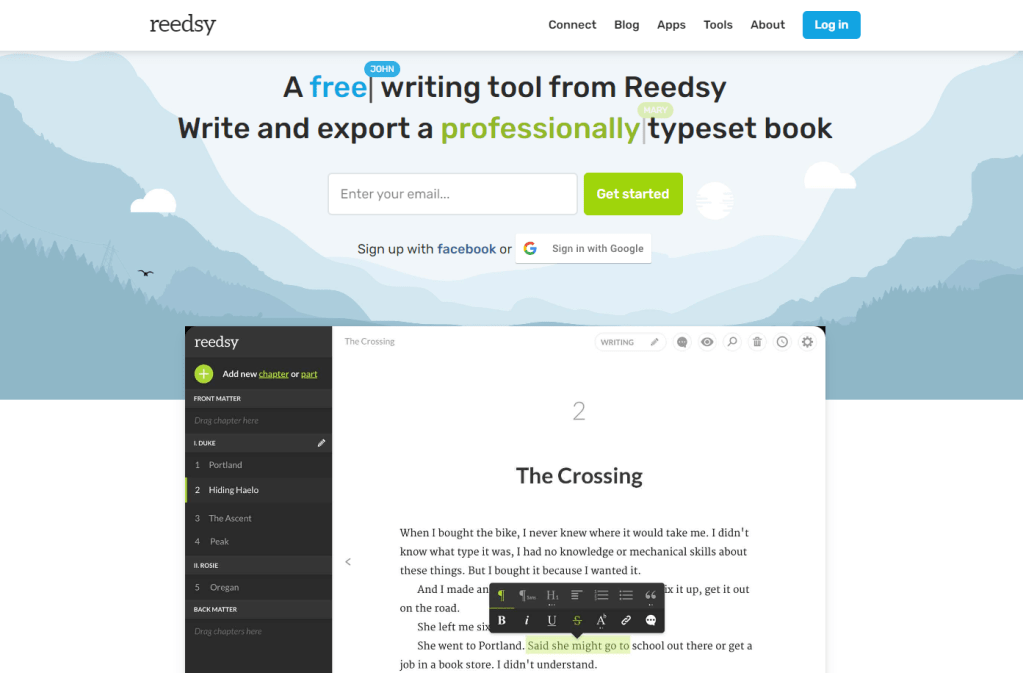
Reedsy’s Editor
I use this to actually draft all of my books. It is simple and amazing! You can set writing goals, track your daily word count, and easily swap from chapter to chapter on their sidebar! Plus, it is amazing even after the drafting phase if you need to format your book for ebook and physical copies cheaply, Reedsy Editor is a free option. Once you have your book input chapter by chapter you can export it into an epub file, and choose the dimensions needed for your print-ready files! It is extremely helpful. (Plus they recently added a plot planning system so you can write and have notecards of plot points organized in the same place!) Click here to check it out!
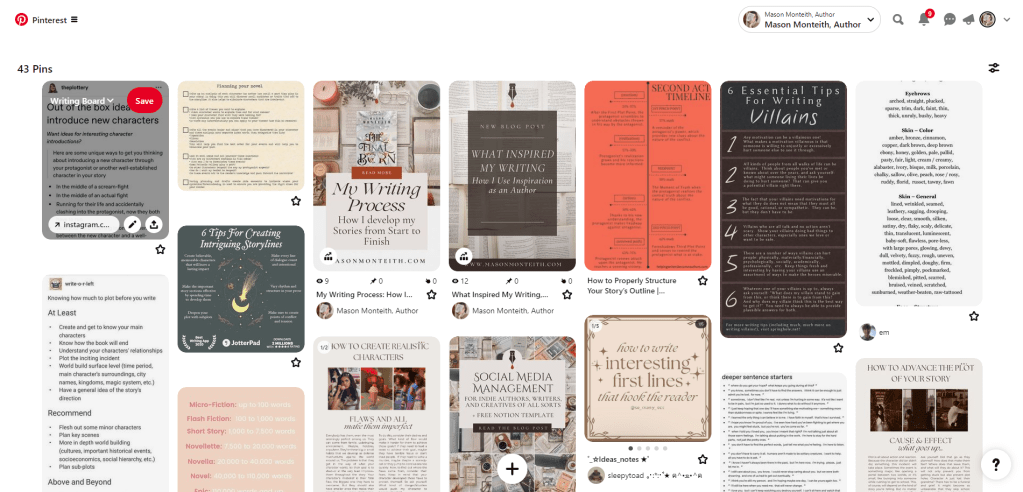
Pinterest is a free place to create a board with your vision for your story! It’s also a great place to get inspiration and find a lot of writing advice posts too! This is a simple site, most of you probably already use it too, but it’s still a good consideration when beginning a draft.
Paid Tools
While the free tools listed above can be enough already, here are a few paid tools I also recommend if you’re interested!
Atticus
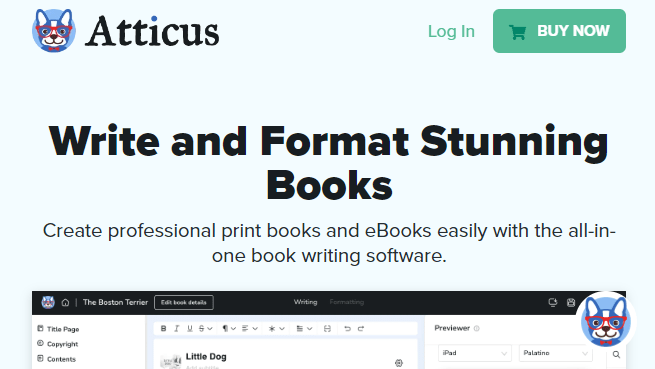
Atticus is a program I’ll always recommend. It’s an all-in-one writing studio. If you’re drafting your book and want to be sure formatting will be a breeze when you’re finished, I recommend Atticus. I love it personally because it is easy to add chapter header and divider art to your story without it being a hassle. You can easily draft, revise, edit, and format your story all in this program! It costs $147 and is a one-time payment. Click here to check it out!
Scrivener
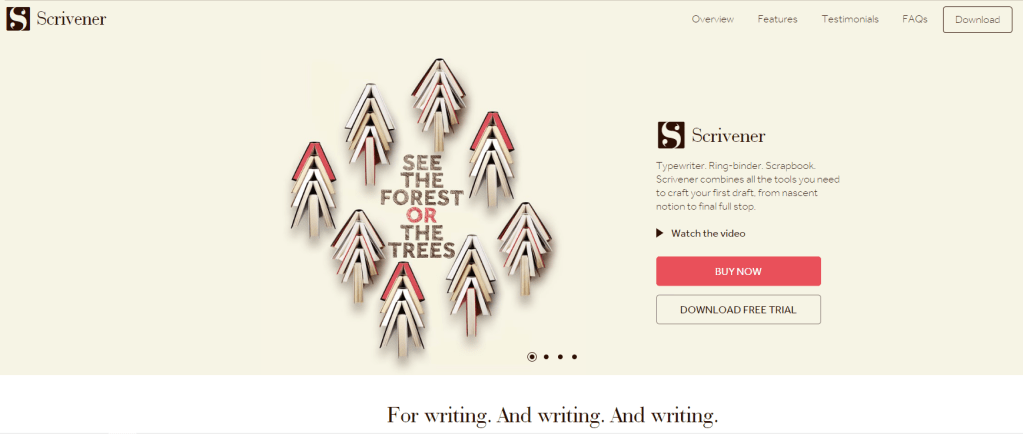
Scrivener is is an incredible tool for writers as it allows you to organize your ideas, create and manage notes, and structure your draft effectively. You can plan via movable index cards on a corkboard which makes scene planning easy! It does have a one-off cost, but it’s only $60 and well worth it. I personally prefer Atticus for ease of access but if you’re tech savvy you’d love Scrivener.
So there you have it! A few free and paid tools I’d recommend you try while drafting! Remember, every writer works differently, so if a tool doesn’t work for you don’t be discouraged! It’s important to find the glass slipper that fits you! Not force yourself to work with a tool that makes the draft take way longer.
Remember, the first draft is just that – a first draft. Don’t be afraid to make mistakes and don’t feel pressured to make everything perfect the first time.
Keep pushing forward, keep writing, and most importantly, have fun with it. Happy writing!
Cheers,
Mason Monteith
Liked this post? Share it!
 Mason Monteith, Author Blog
Leave a comment