Balancing creativity and marketing can be rough. If you’re an indie author like me, you have to be a writer and full-time content creator just to get your book a safe start when you publish. After two book launches and loads of writing posts, I’ve tried many systems to organize my social media system. From scribbled notes to all sorts of online programs meant to streamline the process, I believe I’ve found the best mix of programs and systems to use to make social media less of a headache for indie authors. So in this article, I’m going to review:
- Getting Organized
- Programs that Help
Because we indie authors have to work together to keep from creativity burnout from marketing!
Getting Organized
So before we really get started on preparing posts, there are a few important questions to consider.
- Who is your audience?
- What do you bring to the table that is different (or similar!) to other authors in your genre?
- What’s in it for the audience? What is your audience gaining from your posts?
Answer these questions on pen and paper if possible – later we will be converting them to digital, but writing them down by hand can help recall and is easier to just get the idea down now rather than organize a new program while coming up with answers.
Question #1: Who is Your Audience?
Figuring out your audience is one of the easier steps, as this really depends on what you do. Are you a fantasy author like me? Then fantasy readers are your audience! You can broaden this slightly with subcategories, consider this example below.
Romance Fantasy author who writes Dungeons & Dragons-style books
Audience:
- Fantasy Readers
- Romance Readers
- D&D Fans
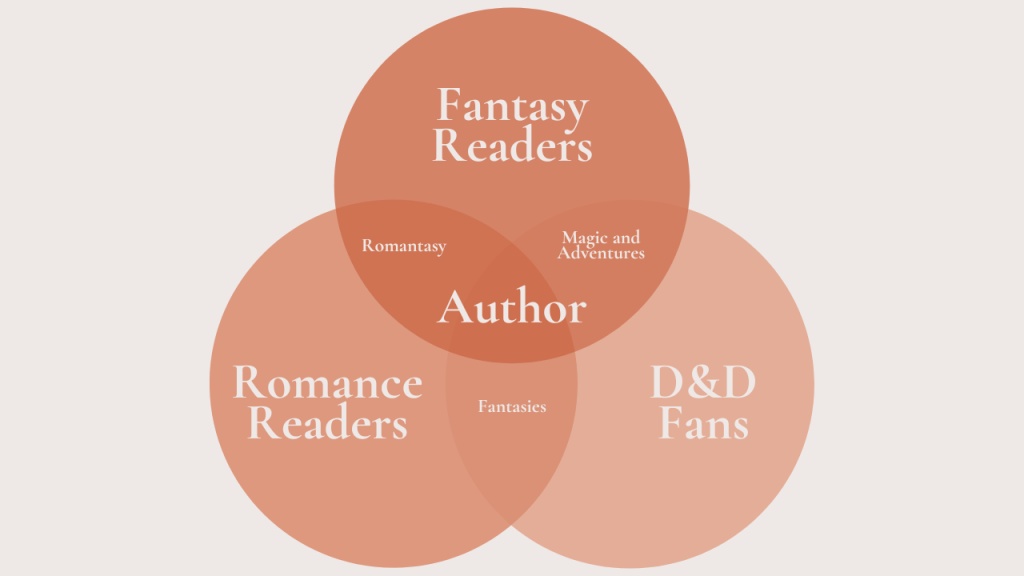
Also, consider the overlap between these categories, or even subcategories outside of these!
Question #2: What do you bring to the table that is different (or similar!) to other authors in your genre?
Looking at other authors on social media in your similar field, consider what they do. Do they post a lot of characters? Snippets of the plot? Character art? What of this could you do? More importantly, what is something you could bring to the table?
Sticking to the same example as before – lets say again you’re a Romance Fantasy author who writes Dungeons & Dragons-style books. Could you create D&D sheets of your characters for your audience? If you’re also an artist, could you draw said characters in scenes in the book?
Study from others in your field for ideas, but also consider your strengths and capabilities so you can have your own creative edge that sets you apart! Make a list of skills you have or ideas for posts that are unique along with posts that are the norm in your category.
Question #3: What’s in it for the audience? What is your audience gaining from your posts?
This is an important one to know – what does your audience gain? For the most part, not much in terms of physical/tangible items unless your offering freebies for newsletter subscribers or doing a giveaway of your latest work; so what can be done so the audience gets something?
Create meaningful and entertaining posts based on your niche. Don’t just make filler posts with nothing in the captions! Be genuine. Show the audience your work. Show them why it should interest them as your niche should be within their scope. If you’re writing a romance fantasy, show swoon-worthy scenes from your book, or tell them about the fantastical world you’re building! Get the readers excited, and compare your book to other works that are similar so they know what they are getting into!
So how will you do this? Consider aspects of your niche that your audience reacts to and write down ways you can show that off in the post ideas written down from the question above!
Programs that Help
Now that we have some ideas to work with, don’t you feel a bit better? The way ahead is less foggy, and we have a lantern to light the way – but now we need other tools for our journey! So here are a few programs I use to streamline the social media process…
Notion
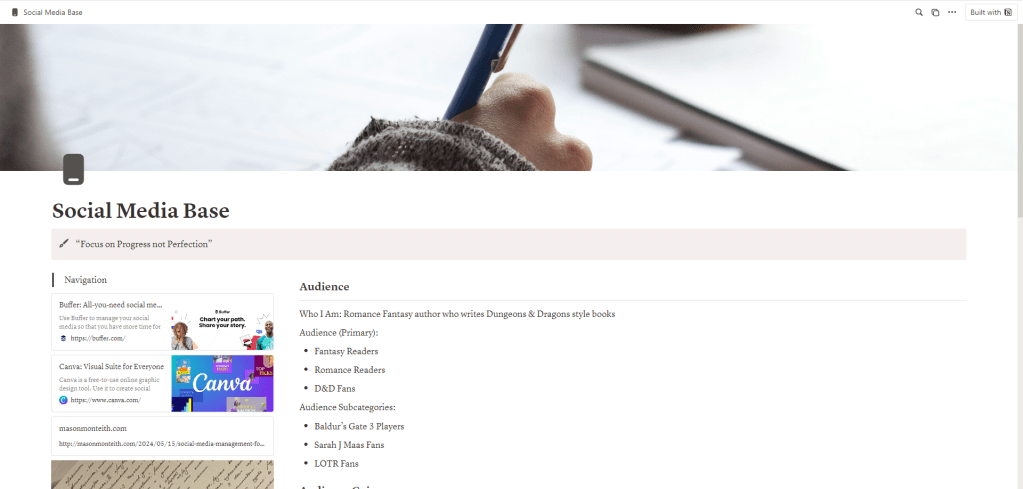
When I tell you Notion is a lifesaver, I mean it! I use Notion for everything. Notion is a workspace that can be used to organize work, school, etc. You can find a ton of templates online and just copy them to your Notion page, or create a social media manager from scratch. I use Notion to keep my social media goals, post ideas, completed posts, blog posts, and more all in one place.
I made a template as well, including the questions mentioned above so you can get started fast!
(To duplicate, first log in to your account, then go to the three dots in the upper right-hand corner, and select duplicate to copy to your account).
Canva
I use Canva to create all of my graphic posts (I post primarily on Instagram, but it can be used for other social media!) It can be a simple but great tool to get posts made. Some posts I typically make with Canva include the following:
- Book cover reveals
- Character info
- Quotes
- Excerpts
- Trope lists
- About the book
- And more!
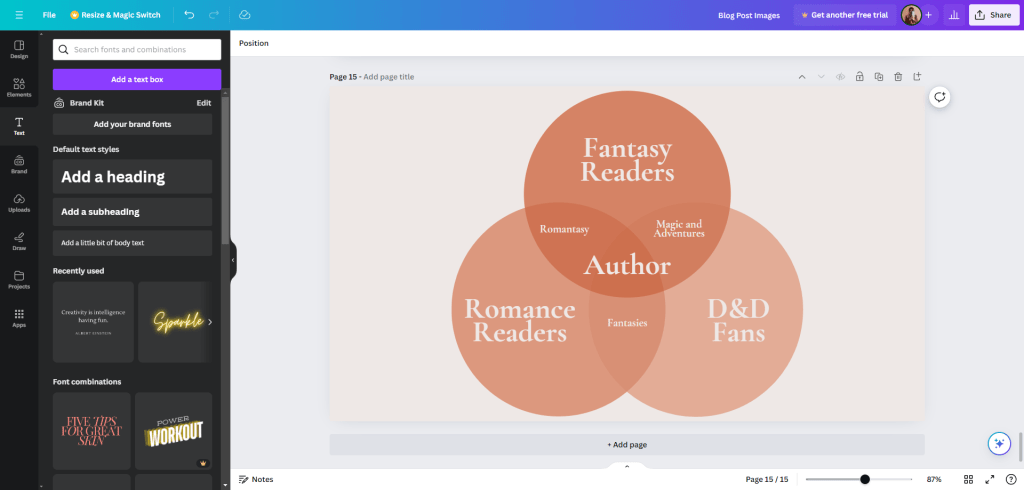
I used Canva to make the graphic used earlier in this post!
You can also use templates available made specifically for authors on Canva. Etsy has many great listings of various author Canva post templates. I have one too! Check it out below.
Buffer
If you like to plan and schedule posts ahead of time, Buffer does a phenomenal job of streamlining this process. You can create tons of posts on here and schedule when you want them to go live.
The only downside is you can only connect 3 channels in the free version which works if you only use three social media platforms (i.e. Facebook, LinkedIn, Instagram, TikTok).
I currently use it for just Instagram. I batch-prep a ton of posts and save them as drafts before I choose the date I want to post them. Also, Buffer is available as an app! So if you need to schedule a post on the go, it’s very convenient.
Now you know how to Streamline the Social Media Process!
If this article helped you be sure to share it on your socials and tag me! I’d love to see what you make with these tips!
Cheers,
Mason Monteith
Liked this post? Share it!
 Mason Monteith, Author Blog
Leave a comment